

About
Our WP Pregnancy & Ovulation Calculator PRO helps website visitors accurately track ovulation cycles, fertile windows, and estimated due dates. With intuitive design and medically-informed calculation methods, your users get reliable results in seconds.
This transforms your website into a trusted resource for family planning and reproductive health. Install our plugin and provide users with a powerful tool to support their pregnancy journey.
Unique Features and Customizations
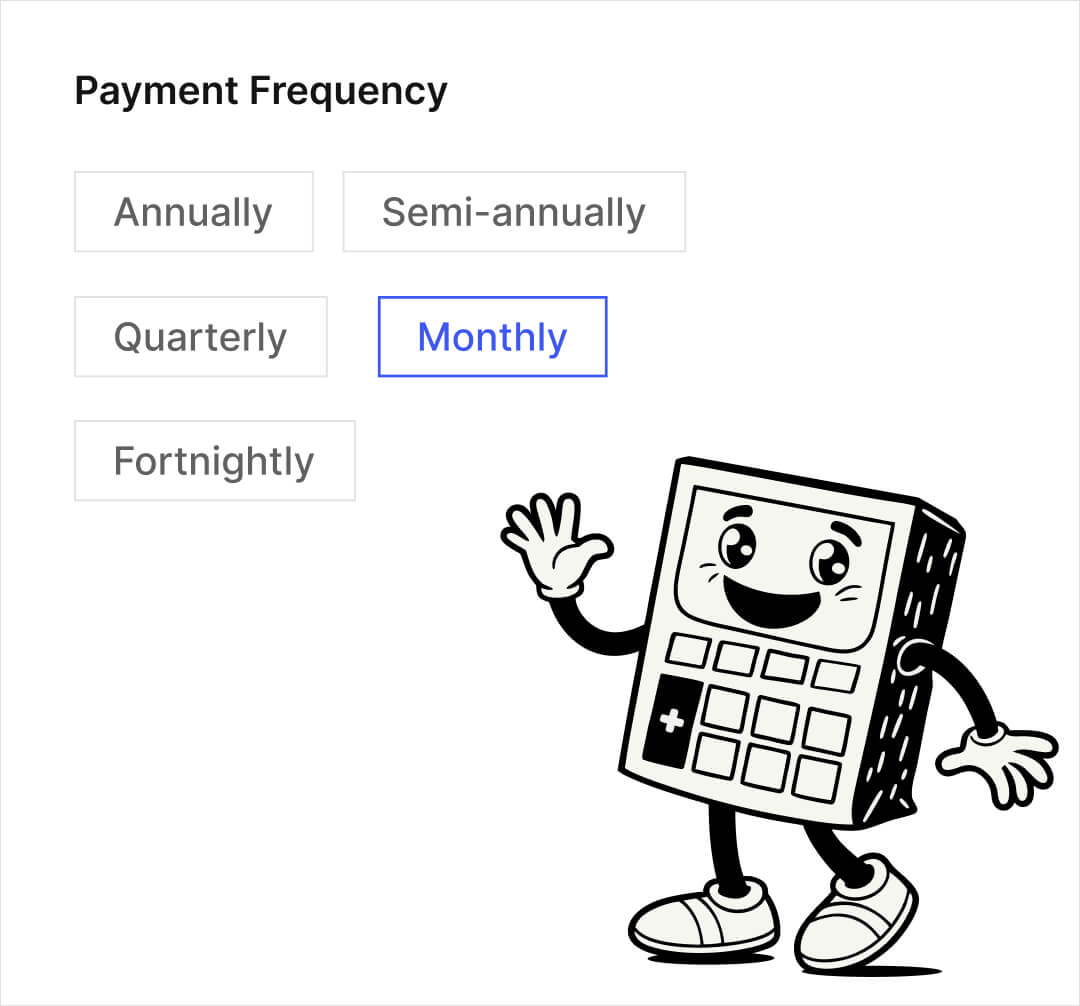
The plugin offers a wide range of settings, including multiple pregnancy due date calculation methods (last menstrual period, ovulation date, ultrasound, and IVF). The ovulation calculator shows fertile windows, most probable ovulation dates, and pregnancy test dates.
Colorful illustrations and charts make results vivid and easy to understand. All calculations are performed instantly, delivering accurate results without unnecessary clicks.
Intuitive Design and Ease of Use
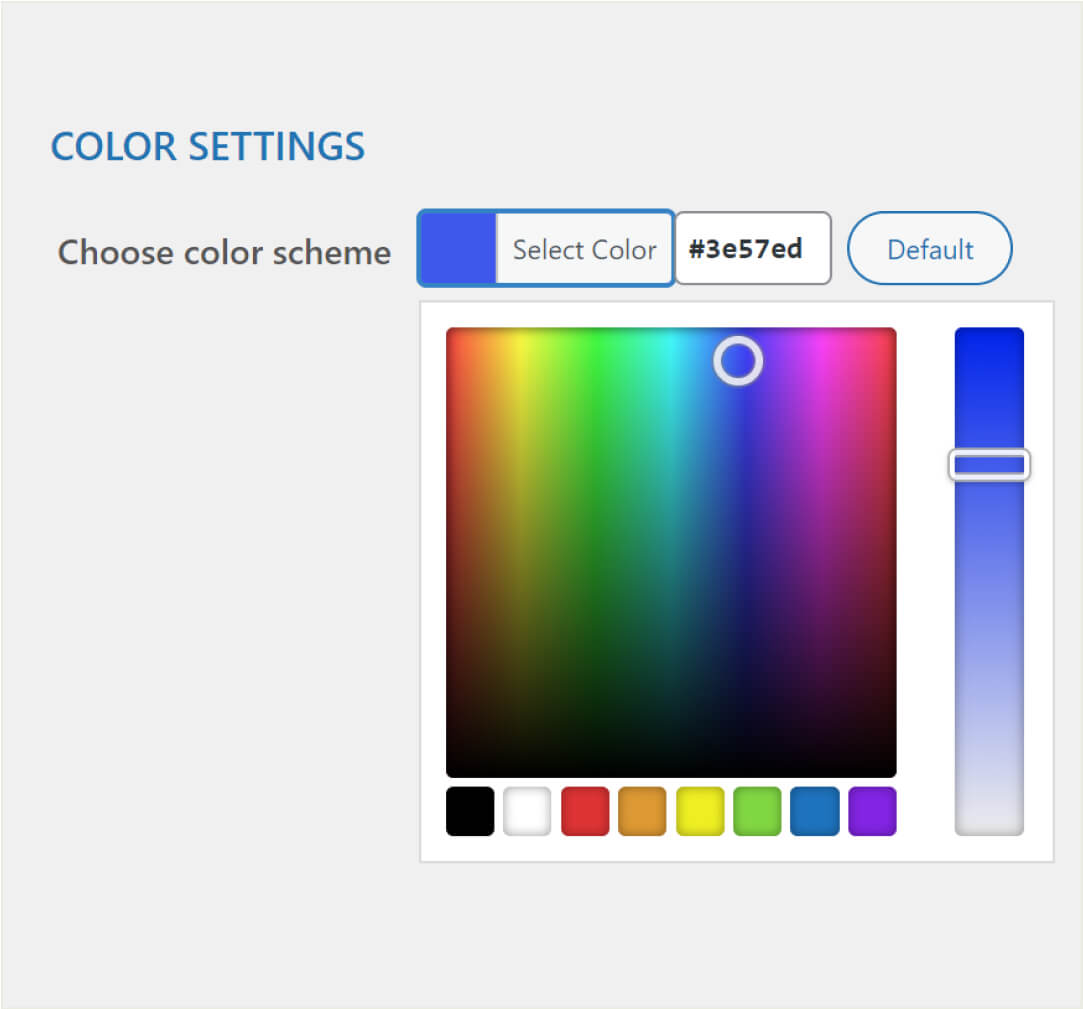
Our calculator boasts a modern and customizable design that seamlessly integrates with your website’s style. You can choose from various color schemes and font sizes to match your site’s overall aesthetics. Easy installation using shortcodes allows you to quickly add the calculator to any page, post, or sidebar. This makes our plugin the perfect choice for any website.
Enhancing User Engagement and Lead Generation
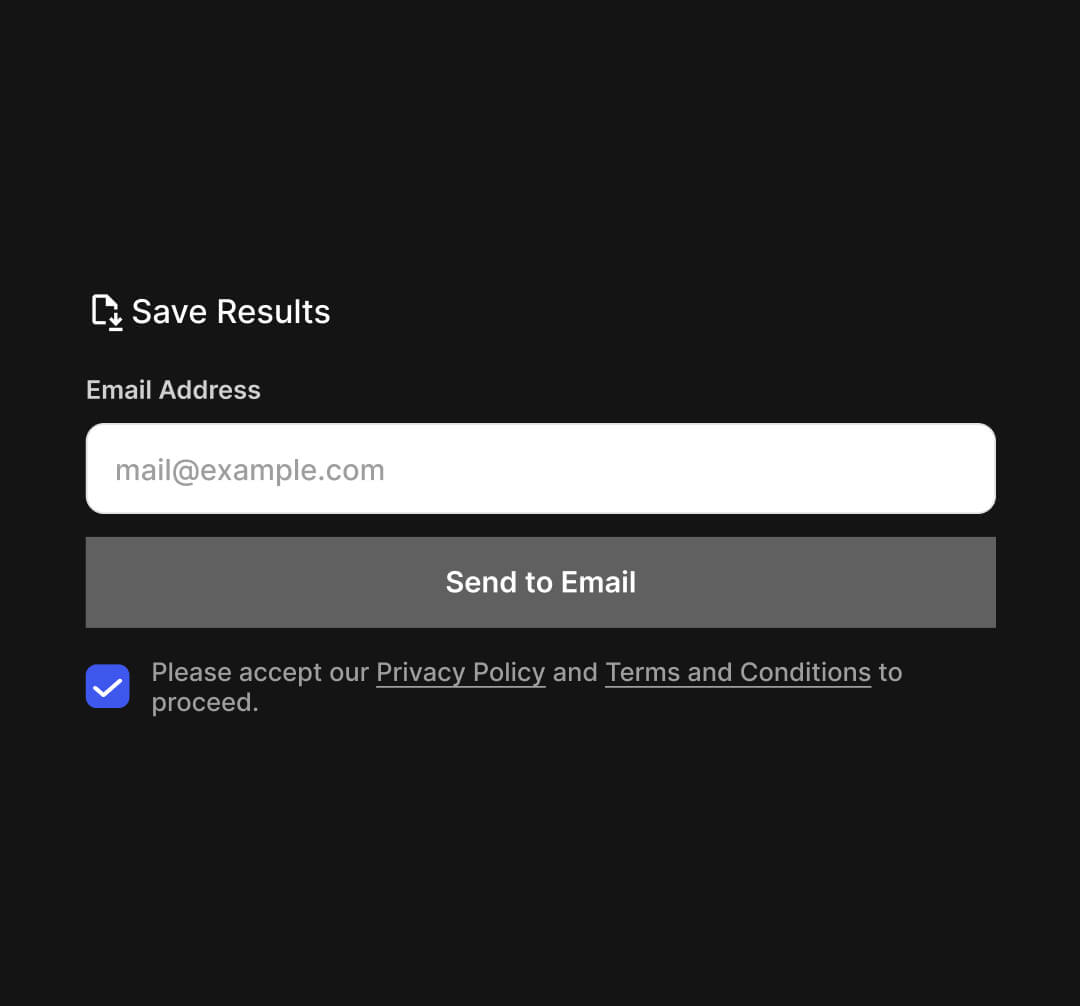
By offering this valuable tool on your website, you increase user engagement and the time visitors spend on your site. The ability to email calculation results opens up excellent opportunities for lead generation and follow-up marketing. This helps grow your customer base and improve interaction with your audience. Our plugin turns visitors into loyal users and potential clients.
FAQ
The plugin offers ovulation tracking with fertile window detection, pregnancy due date calculation using multiple methods (LMP, ovulation, ultrasound, IVF), colorful visualizations and charts, email results, customizable design options, Mailchimp integration, and easy placement using shortcodes.
Installation is straightforward. After purchasing the plugin, upload it to your WordPress site via the Plugins section. Activate the plugin, navigate to the plugin settings in the admin panel, choose your preferred calculation method and appearance settings, and use the provided shortcode to place the calculator on your desired page, post, or sidebar.
Yes, the WP Pregnancy & Ovulation Calculator PRO offers modern and customizable design options. You can choose from various color schemes to ensure the calculator seamlessly integrates with your website’s aesthetics.
The plugin can perform ovulation cycle tracking (fertile window, ovulation date, pregnancy test date) and pregnancy due date calculations using four methods: last menstrual period (LMP), ovulation date, ultrasound data, and IVF transfer date.
Yes, below the ovulation calculator, a table is automatically generated with dates and predictions for future cycles, helping users stay organized and informed about their fertility patterns.
Users can choose between methods based on the last menstrual period (LMP), ovulation date, ultrasound measurements, or IVF transfer data. Each method provides accurate results tailored to individual circumstances.
Users can view instant results directly on the website, complete with colorful charts and illustrations. They also have the option to receive detailed results via email for easy reference.
Yes, the plugin includes an email feature that allows users to have their pregnancy or ovulation calculation results sent directly to their email address for convenient access.
The calculator can be easily added to any page, post, or sidebar using a simple shortcode provided by the plugin. This ensures versatile placement across your website.
Currently, the plugin is available in English by default. However, it is fully localizable and translatable using the included POT file. The plugin supports easy translation using the included POT file. Contributions from users are welcome to expand language support.
The email feature allows you to collect users’ email addresses when they request calculation results. Combined with Mailchimp integration, this provides an excellent opportunity for lead generation and follow-up marketing, helping to grow your customer base.
Yes, the plugin currently integrates with all most popular marketing services.
Yes, we provide Elementor widget, allowing for more flexible and integrated placement of the calculator within Elementor-built pages.
Our team provides comprehensive support through our support channels. You can reach out for assistance with installation, configuration, customization, or any other issues you may encounter while using the plugin.
Yes, the plugin offers advanced styling options, including customizable color schemes. The PRO version offers expanded styling capabilities for detailed customization to match your website’s design.