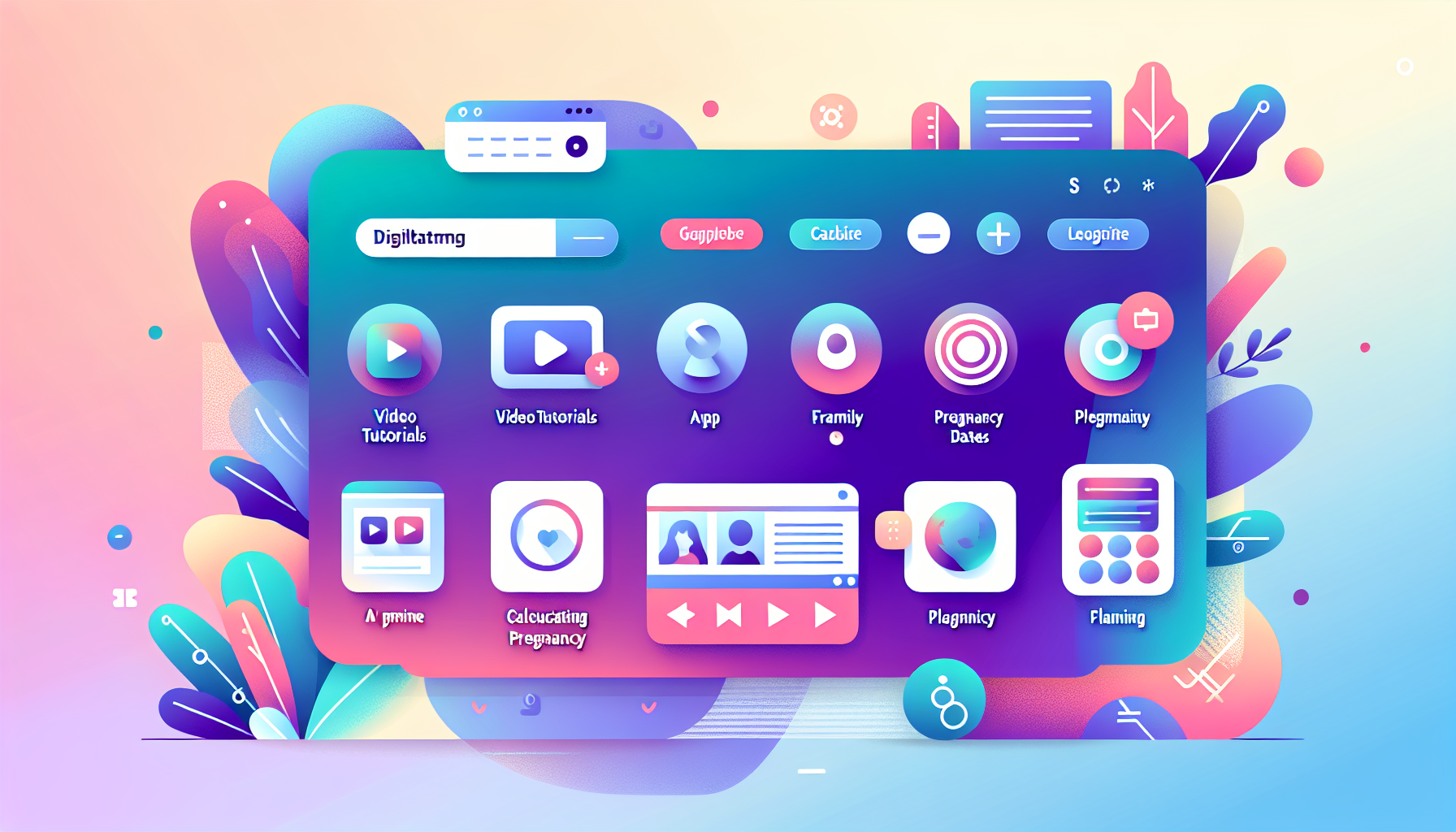


Creating engaging and educational video tutorials for pregnancy calculator features is a powerful way to support users of your WordPress fertility tools. Video content enhances learning by visually demonstrating how to use your plugin’s functionalities and helps demystify complex concepts like fertility tracking and pregnancy planning.
For developers and marketers working with pregnancy-related WordPress plugins like WP Ultimate Ovulation & Pregnancy Calculator, mastering video tutorial production can significantly improve user experience. This comprehensive guide outlines strategies and best practices tailored to crafting effective video tutorials for pregnancy calculator features.
Before recording, clearly define what each tutorial will achieve. Break down your pregnancy calculator plugin into key features or workflows your users need help with. Examples include:
Precise objectives help keep tutorials focused and concise, increasing their usefulness to both novice and advanced users.
Quality screen recording is essential for clear instructional videos. Some of the best tools for recording WordPress plugin tutorials include:
Remember to use a high-resolution setting (ideally 1080p) for crisp visuals on all devices, as recommended in the WordPress video best practices guide.
Effective education in video tutorials depends on clarity and relatability. Incorporate these best practices:
Subtle branding reinforces your plugin’s identity without distracting from the tutorial. Add your logo to the intro and possibly a closing screen with contact info or support links, such as Contact Us. Use consistent fonts, colors, and styles that match your site branding to create a professional appearance.
For WordPress-based fertility tool education, consider integrating your video tutorials into WordPress directly using plugins like WP101, Video User Manuals, or Integrated Video Tutorials. These plugins enable you to embed and organize your videos right in the WordPress admin dashboard, making it seamless for users to access guidance during plugin use.
Let's examine a practical example inspired by popular pregnancy calculator tutorials found on YouTube. This example covers creating a video explaining calculation of Expected Due Date (EDD) using Last Menstrual Period and Naegele’s Rule:
This approach mirrors proven instructional techniques seen in resources like the Pregnancy Due Date Calculator Python tutorial.
Once recorded, optimize and publish your tutorials thoughtfully:
Diversify your tutorial offerings by experimenting with different content types beyond traditional screen recordings:
Video tutorials should be complemented by robust written guides and FAQs. Consider linking to authoritative external resources such as:
Providing these references alongside your tutorial boosts credibility and user confidence in your plugin's results.
WordPress and pregnancy-related protocols evolve. Regularly revisit your video tutorials to update UI changes, plugin features, and medical guidelines. Encouraging user feedback and analyzing tutorial view metrics inform continuous improvements.
Ensure videos are accessible by including captions, transcripts, and alternative navigation methods, following guidelines from Learn.WordPress.org video best practices.
Producing high-quality video tutorials for pregnancy calculators requires planning, the right technology, clear communication, and ongoing updates. By following the strategies outlined here, you equip your users to better understand and trust your WP Pregnancy & Ovulation Calculator PRO.
As your video library grows, make sure to link tutorials thoughtfully within your plugin’s interface and documentation, improving discoverability. Should you need assistance or want to explore tailored content solutions, feel free to Contact Us anytime.
Empowering your audience with comprehensive fertility tool education through video content is a cornerstone of exceptional user support and plugin success.